

Step 1: Install the MCP server
The MCP server lets your coding agent connect to your existing moneydevkit account and wire up your app for you. Pick your coding agent below:Cursor
Cursor
VS Code
VS Code
Claude Code
Claude Code
Run this in your project directory:
ChatGPT Codex
ChatGPT Codex
Run this in your project directory:
Step 2: Start a new project
Create an empty folder and open it in your coding agent. This will be the root of your new Next.js project.Step 3: Prompt your coding agent
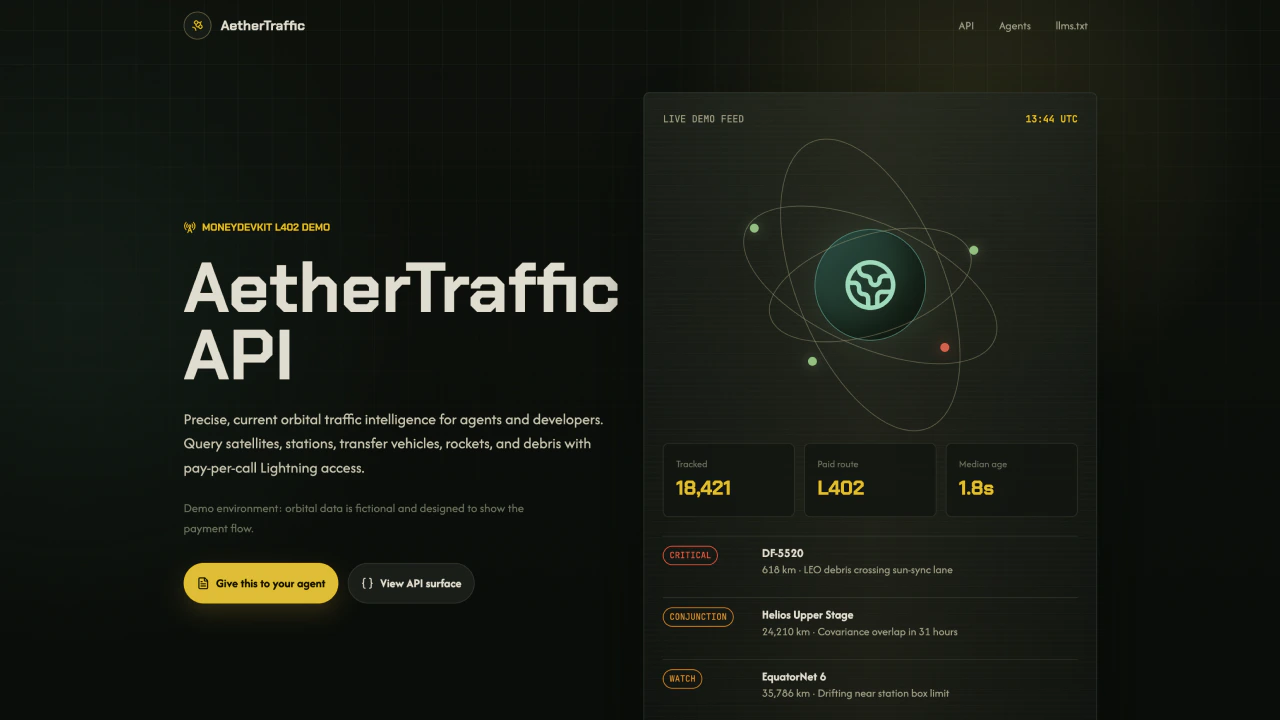
Paste the following prompt into your coding agent to scaffold the paid orbital tracking API:Scaffold a moneydevkit paid API in Next.js.