Documentation Index

Fetch the complete documentation index at: https://docs.moneydevkit.com/llms.txt

Use this file to discover all available pages before exploring further.

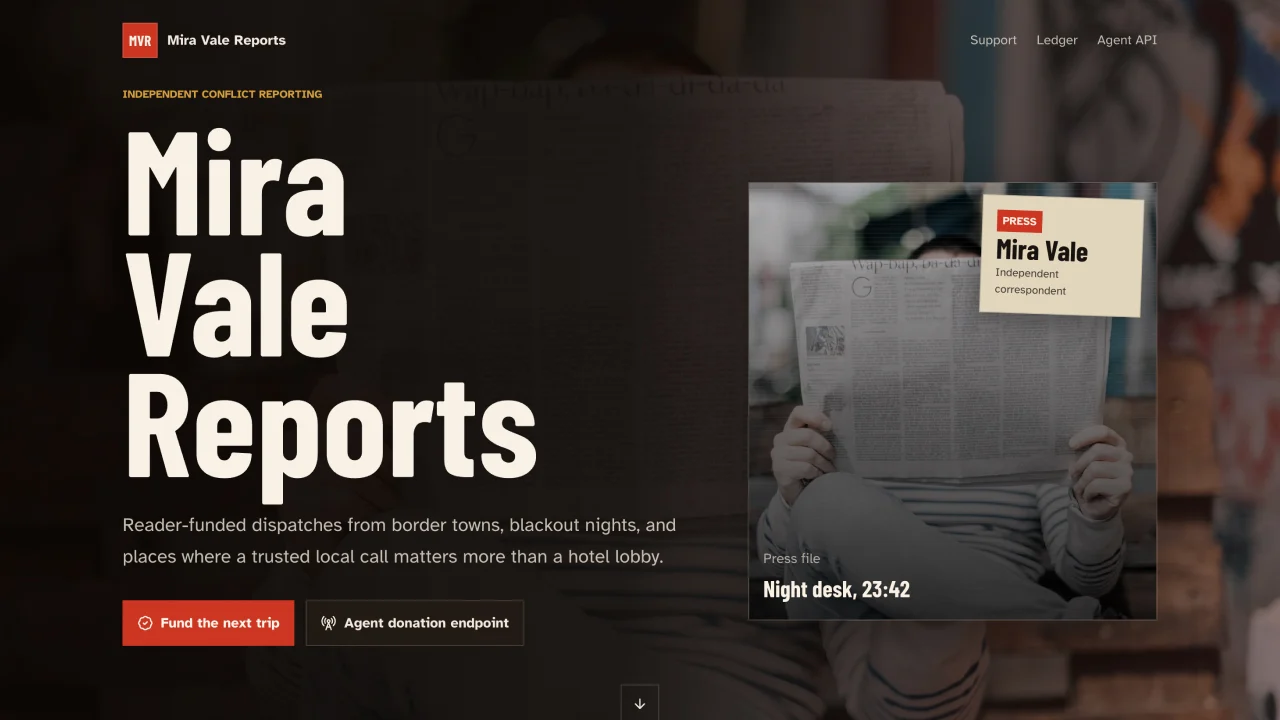
Screenshot of the subscriptions example app.
See the live example: mdk-supporters.vercel.app This is an example for building a recurring-payments app with moneydevkit. We’ll build a supporters page for an independent journalist, but the same approach applies to membership sites, paid newsletters, creator memberships, and any other use case where you want to charge a recurring fee.

Step 1: Install the MCP server

The MCP server lets your coding agent create a moneydevkit account and wire up your app for you. Pick your account type and coding agent below:
Run this in your project directory:
claude mcp add moneydevkit --transport http https://mcp.moneydevkit.com/mcp/
Run this in your project directory:
codex mcp add moneydevkit --url https://mcp.moneydevkit.com/mcp/

Step 2: Start a new project

Create an empty folder and open it in your coding agent. This will be the root of your new Next.js project.

Step 3: Prompt your coding agent

Paste the following prompt into your coding agent to scaffold the supporters page:

Scaffold a moneydevkit subscriptions site in Next.js.

Step 4: Preview and deploy

When your coding agent finishes, you can preview your app. The agent will give you a link that you can open in your browser to preview the app locally. When you’re ready to ship it, head to Vercel to deploy.